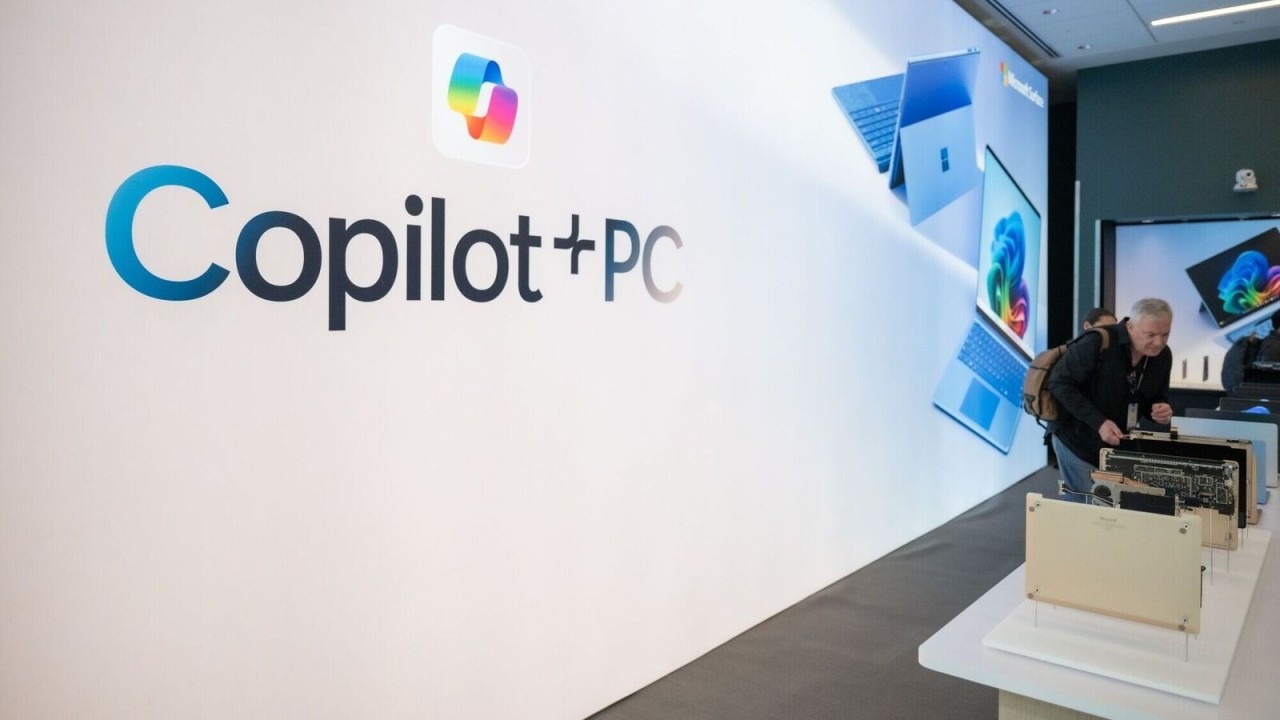
Copilot+ PCs in 2026: Why the New AI‑Enabled Laptop Era Matters and How to Prepare
For years, conversations about “AI PCs” felt speculative, something only vaguely on the horizon. But by 2026, the term has taken on a very specific meaning. Copilot+ PCs are a new hardware class defined by Windows 11 devices that meet Microsoft’s threshold for on‑device AI acceleration, particularly through a Neural Processing Unit (NPU) capable of at least 40 trillion operations per second. This isn’t a marketing phrase, Microsoft’s own documentation outlines Copilot+ PCs as machines built around high‑performance NPUs designed to run AI models locally with low latency, improved battery life, and increased privacy.
What’s changed is not only the chip architecture but the operating system itself. Beginning with Windows 11 24H2, Microsoft introduced Windows Copilot Runtime, which bundles more than 40 small, optimized AI models directly into the OS. These models power features like Live Captions with translation, Studio Effects, Cocreator in Paint, and Photos’ Super Resolution, all running on the device without needing cloud inference.
The combination of a capable NPU and locally running models represents a genuine turning point. Business and IT leaders should ask: is this the right moment to begin upgrading?

The Rise of the AI PC as a Market Reality
It’s becoming increasingly clear that this is not an isolated or experimental movement. Gartner projects that AI PCs will make up 31% of the global market by the end of 2025, and more than half by 2026. Their analysis points to an acceleration in investment as organizations prepare for a world where AI augmentations—especially those happening on the edge—become an expected baseline rather than a premium.
Even outside the forecasts, industry dynamics speak for themselves. All major silicon vendors have shifted their roadmaps: Qualcomm’s Snapdragon X Elite features a 45‑TOPS NPU; AMD’s Ryzen AI 300 series delivers 50 TOPS; and Intel’s Core Ultra 200V (“Lunar Lake”) architecture reaches around 45 TOPS on the NPU and over 100 TOPS combined. These chips are optimized for the Windows Copilot Runtime and expressly designed for the Copilot+ hardware tier and the AI workloads that come with it.

What Makes a Copilot+ PC Different?
To understand whether these devices belong in your next refresh cycle, it helps to look closely at what actually distinguishes them from traditional laptops.
The most important shift is the NPU, which offloads AI workloads that would normally hit the CPU or GPU. Unlike a GPU, which excels at high‑throughput parallelism but consumes significant power, an NPU is engineered for a different goal: efficiency at the edge. Research comparing NPU‑based and GPU‑based inference shows NPUs matching or surpassing GPU throughput while using 35–70% less power, particularly for small and medium neural networks, the kind used continuously during live calls, captioning, summarization, and image enhancements.
This is why Windows Studio Effects (background blur, eye contact correction, voice focus) operate smoothly without spinning up fans or draining batteries. The work is simply happening on silicon that was built for it. Microsoft’s own documentation emphasizes how these effects rely on NPU‑optimized models specifically compiled for efficiency.
Another powerful improvement is real‑time translation, made possible by Live Captions. Speech from meetings, videos, or in‑person audio can be translated into English entirely on the device. This feature requires an NPU with at least 40 TOPS and is one of the most tangible examples of how local AI inference changes productivity for cross‑regional teams.
Taken together, these features represent a deeper change: your laptop is no longer just running software, it’s running models.

The Security Conversation: Especially Around Recall
No feature has sparked more debate than Windows Recall, a timeline‑like system that privately records snapshots of your screen, OCRs the content, and makes everything searchable later using natural language. Recall was controversial at launch, leading Microsoft to delay and substantially rebuild its security model.
The modern version is vastly different from what was originally introduced in 2024. It is now opt‑in, stores its data encrypted at-rest using TPM‑protected keys, requires Windows Hello authentication for access, and operates within a Virtualization‑based Security (VBS) enclave rather than the main OS. Users can pause it, limit what it captures, or uninstall it entirely.
Despite these improvements, leaders evaluating Copilot+ PCs will need to think carefully about governance. Filters for sensitive content exist, but real‑world testing has shown that some confidential information can still slip through, meaning policies and user training are essential.
This isn’t a reason to avoid Copilot+ PCs; it’s a reason to adopt them thoughtfully, with guardrails.
The Practical Value: Where Organizations Will Feel the Impact First
Organizations transitioning to Copilot+ PCs are finding that the benefits tend to cluster in a few real‑world scenarios.
Hybrid meetings see the most pronounced change. With camera and microphone effects running directly on the NPU, devices handle noise suppression, speaker framing, and lighting compensation far more efficiently. Microsoft’s documentation points out that because these are hardware‑level effects, they apply to any conferencing app, even if the app is unaware of them.
Global collaboration improves when Live Captions instantly translate spoken audio, allowing participants to follow along even in multilingual meetings. Early adopters report that real‑time translation is one of the few AI features employees immediately recognize as valuable.
Creative and analytical work benefits as well. Tools like Super Resolution in Photos or Cocreator in Paint run directly on the device, avoiding the lag and privacy concerns of sending content to the cloud for processing.
And for mobile employees, the biggest improvement is battery life. Because the NPU handles AI workloads far more efficiently than the CPU or GPU, devices spend more of their day in low‑power states. Qualcomm, AMD, and Intel all market their Copilot+ chips around this efficiency edge.
None of these features is transformative alone. But together, they begin to change the feel of daily computing—shortening workflows, reducing cognitive load, and creating new habits.

Choosing Between Snapdragon, Ryzen AI, and Intel Lunar Lake
Silicon choice matters more with Copilot+ PCs than in traditional procurement cycles.
Snapdragon X Elite (ARM) offers the best combination of NPU performance (45 TOPS—trillions of operations per second) and battery efficiency. But organizations should evaluate app compatibility carefully; Windows‑on‑ARM has made significant progress, yet certain drivers, plugins, or specialized legacy tools may still need carve-outs to run effectively.
AMD Ryzen AI 300 (x86) brings a 50‑TOPS NPU and strong integrated graphics via RDNA 3.5, making it a compelling choice for organizations that want AI acceleration without worrying about ARM compatibility.
Intel Core Ultra 200V (“Lunar Lake”) emphasizes total AI throughput with over 100 TOPS across CPU, GPU, and NPU, and benefits from Intel’s longstanding x86 ecosystem and manageability stack.
The right choice depends heavily on your application portfolio. Mobile, frontline, and sales teams might prefer Snapdragon’s battery gains; engineering or finance teams running complex legacy tools may align better with AMD or Intel.

A Look Toward the Next Decade
If today’s Copilot+ PCs represent the first generation of AI‑native computing, the next 5–10 years will push that evolution further.
Across the edge‑computing landscape, experts predict that more intelligence will live locally than in the cloud. Research into edge AI points to benefits in latency, privacy, and energy efficiency, particularly as industries adopt autonomous or near‑autonomous workflows.
Simultaneously, the AI model landscape is shifting toward smaller, task‑specific language models, SLMs that run efficiently on the edge rather than monolithic cloud LLMs. Analysts from Dell and Gartner predict that by 2027, organizations will use small on‑device models three times more often than large general‑purpose models.
This shift aligns perfectly with what Copilot+ PCs enable. The hardware is optimized for running these compact models continuously and privately. Far from being a temporary marketing wave, this is the beginning of a long transformation in endpoint computing.

So, Should You Start Upgrading?
Most organizations should at least begin piloting Copilot+ PCs in 2026. The market trajectory, OS roadmap, and silicon ecosystem all point in the same direction. But the most successful rollouts will not be driven by exuberance, they’ll be driven by deliberate planning and cost-benefit analysis.
That means testing real workloads, validating compatibility, establishing security policies (especially around Recall), and refining your device baselines. It means identifying which teams benefit most immediately—global collaborators, heavy meeting users, creators, and mobile workers—and using their experiences to guide broader adoption.
Copilot+ PCs represent a real shift in personal computing: quieter, faster, more private, more context‑aware devices that take on meaningful parts of the work you used to do manually. The organizations that prepare now will be best positioned as the software ecosystem increasingly assumes AI acceleration is standard.
Forrest Palamountain – Information Security Manager, Tech Heads Inc. – CISSP